
[Project 08 · A game for your hands]
Pellizca_
Open the page and your camera fills the whole screen. Floating on top are 3D pieces in the shapes of the Totot brand: you pinch them with your fingers, drag them through the air and throw them through a moving O. No controller, no app, nothing to install, just your hands and the browser. (Pellizca is Spanish for “pinch.”)
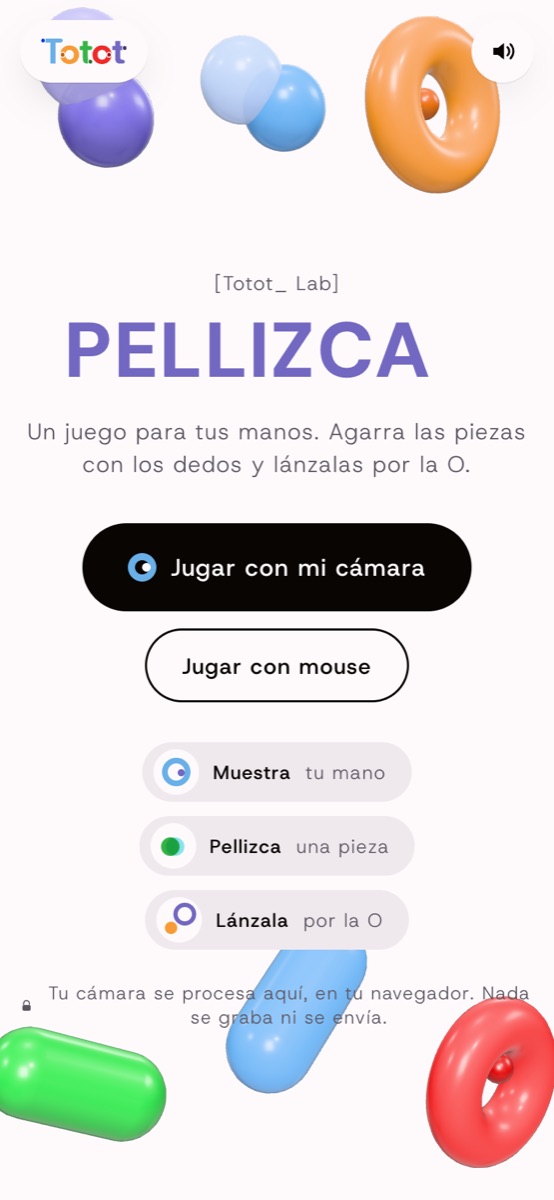
[pellizca.vercel.app]
[The idea]
What if the screen were a mirror where you could grab things that don't exist? A gesture everyone knows how to do, the pinch, turned into the only control of a game_
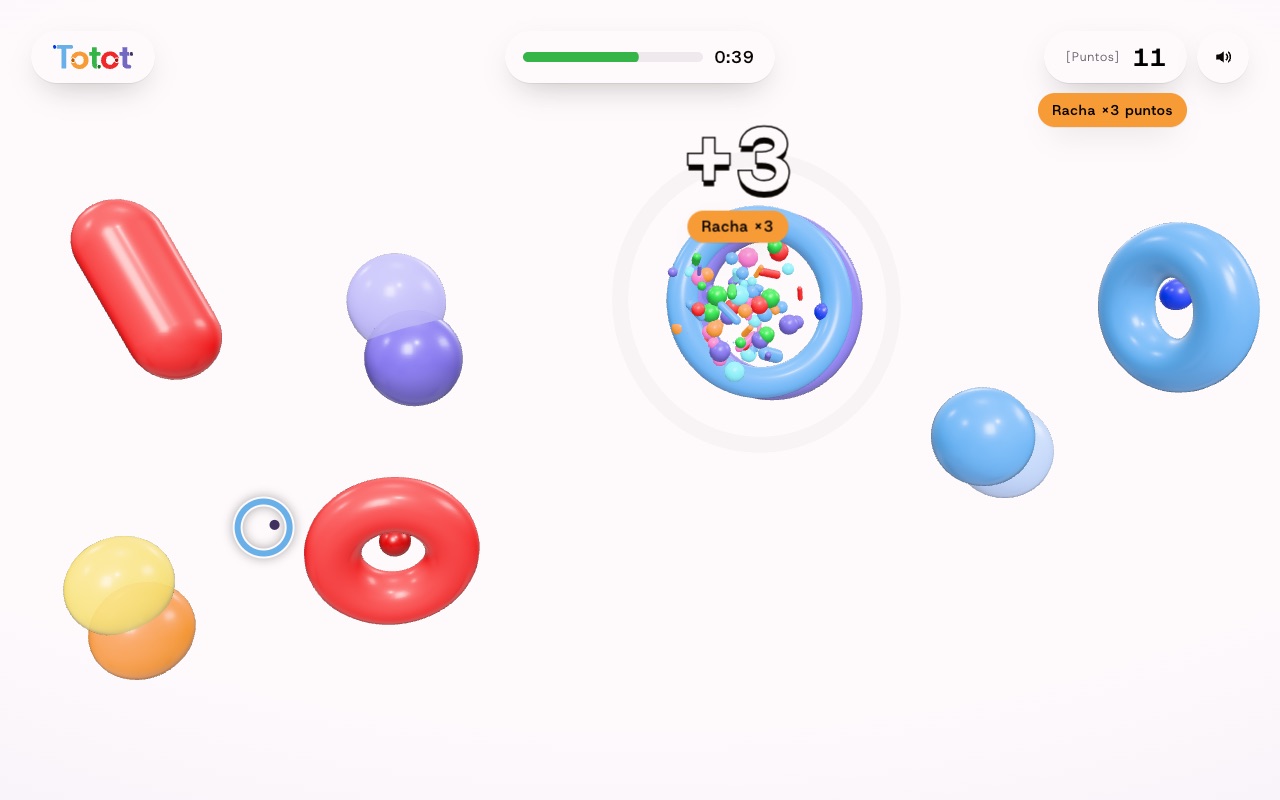
[Streak ×3]
Screenshots taken in no-camera mode. With the camera on, your mirrored video fills the background and the pieces float in front of you.
[How it works]
Four layers,
one screen_
The trick is that you can still see yourself. The game doesn't replace the camera: it's painted on top, in transparent layers that line up with your video frame by frame.
- Your camera, mirroredIt fills the whole screen and flips like a mirror, so moving your hand to the right feels like the right.
- A shadow veilA gradient slightly darkens the top and bottom of the video so the timer, score and buttons stay readable over any background.
- The 3D sceneThe pieces and the O are drawn with Three.js on a transparent canvas, with the same aspect ratio as the video.
- Your handsAn O-shaped cursor follows your fingertips and closes as you pinch.
[How to play]
Show, pinch,
throw_
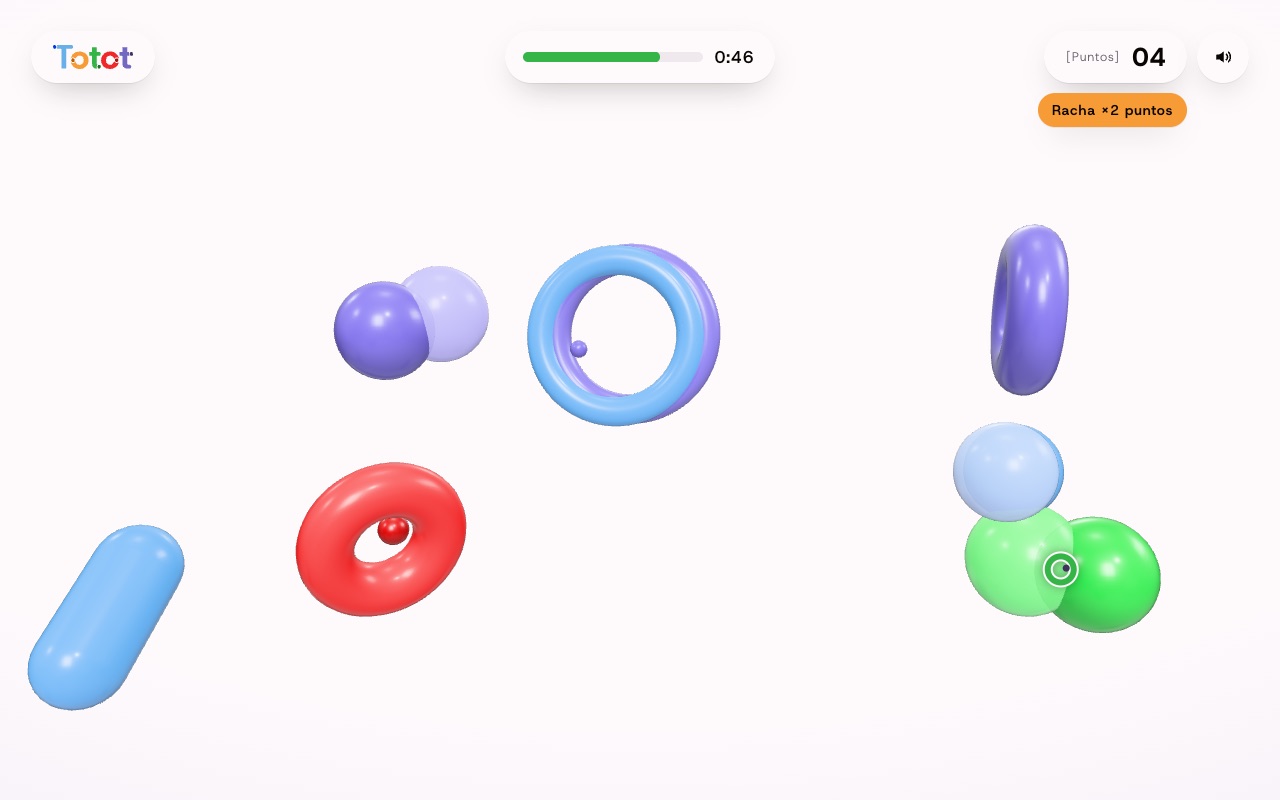
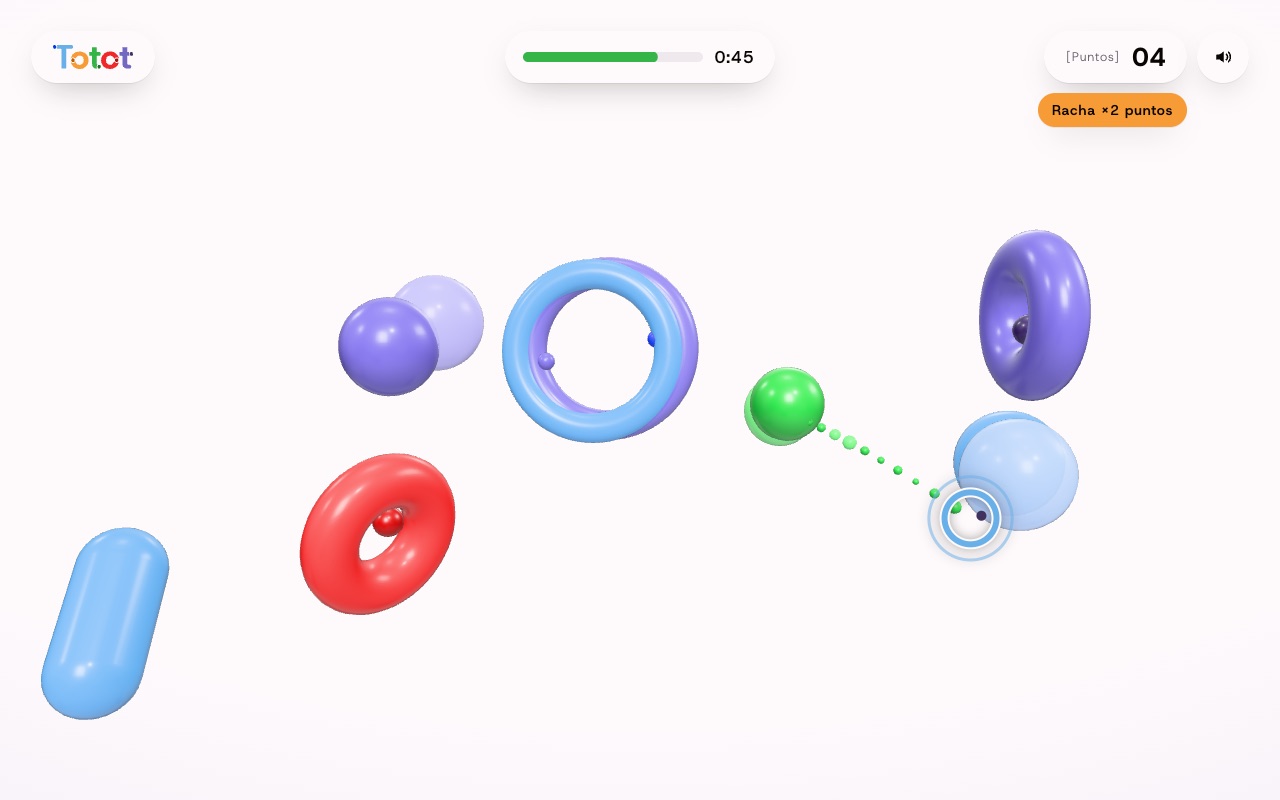
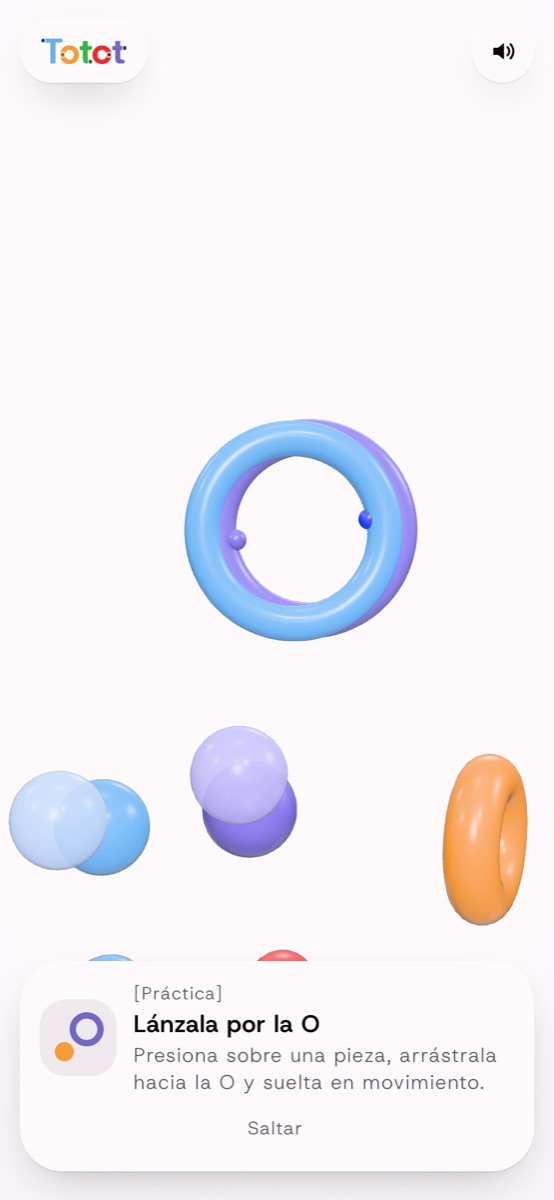
A three-step tutorial only moves forward when you make each gesture, so nobody has to read instructions. In practice mode, grabbing a piece shows a path to the O that turns green when your gesture is on target; in the real game you're on your own. Then comes the countdown and a 60-second round.
[The pinch]
Reading a hand
without false positives_
The camera detects 21 points on each hand. The pinch is the distance between the tip of the thumb and the tip of the index finger, divided by the size of the hand, so it works the same whether you're close to the camera or far away.
- HysteresisIt closes below 0.28 and opens above 0.42. That margin keeps the piece from dropping on its own when your fingers tremble right at the threshold.
- 1€ filterSmooths out jitter when the hand is still and responds instantly when it moves fast.
- Two handsEach hand keeps its identity between frames and can carry its own piece. If the camera loses it for a moment, it doesn't drop what it's holding.
- AimThe throw follows the direction of your gesture, not the raw speed of your hand, and aims where the O will be when the piece arrives.
[The round]
One minute
to show off_
Short rounds, so you always want just one more.
[Results]
- 60 secondsA timer bar that turns red and ticks during the last ten.
- Black holeIn the last ten seconds the O becomes a black hole that pulls in everything you throw. Time to throw nonstop.
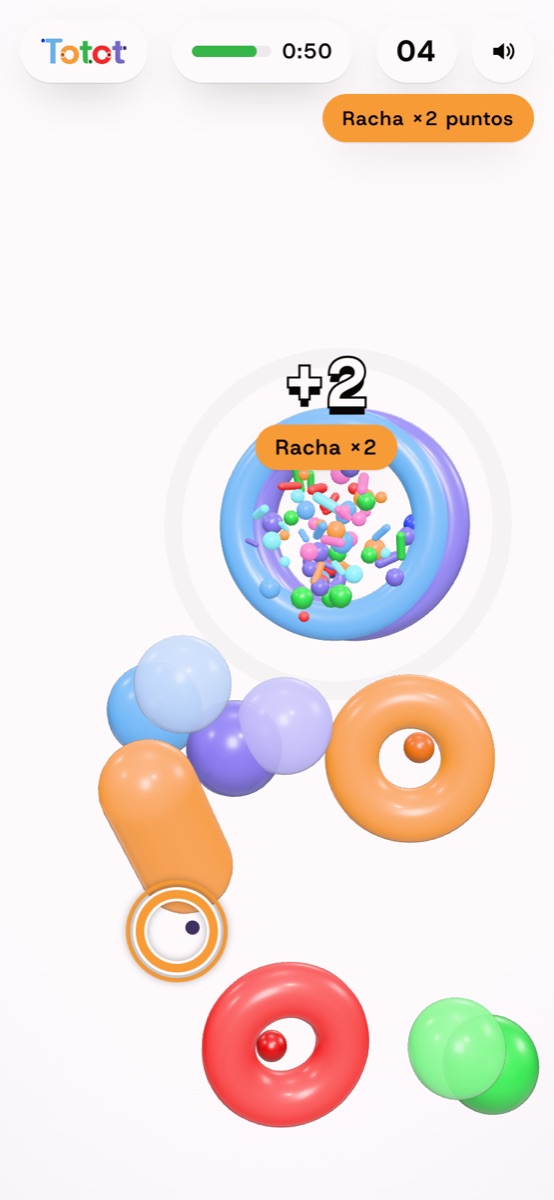
- StreaksThree hits in a row multiply by ×2; six, by ×3. A miss breaks the streak.
- Dead centerGoing through the center of the O counts double. Hitting the rim gives you a “So close!”.
- DifficultyThe O moves more as your score goes up.
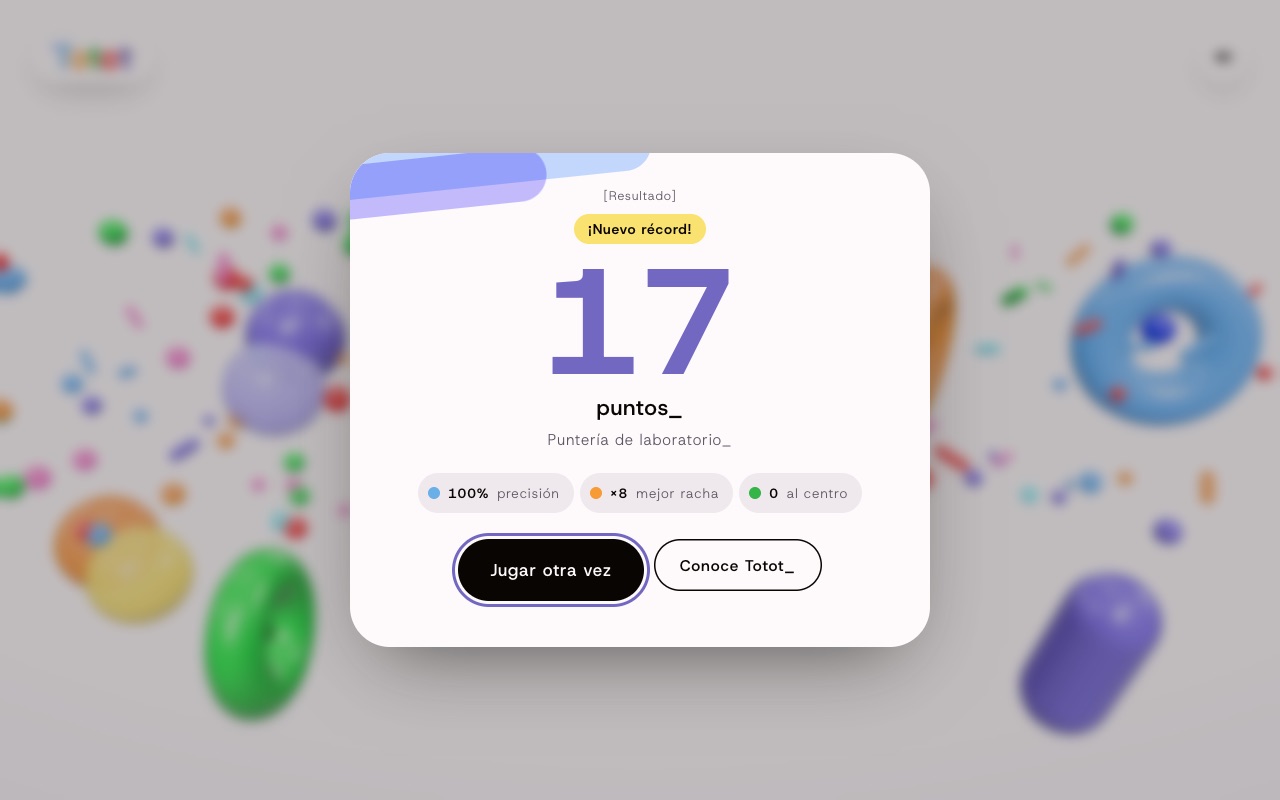
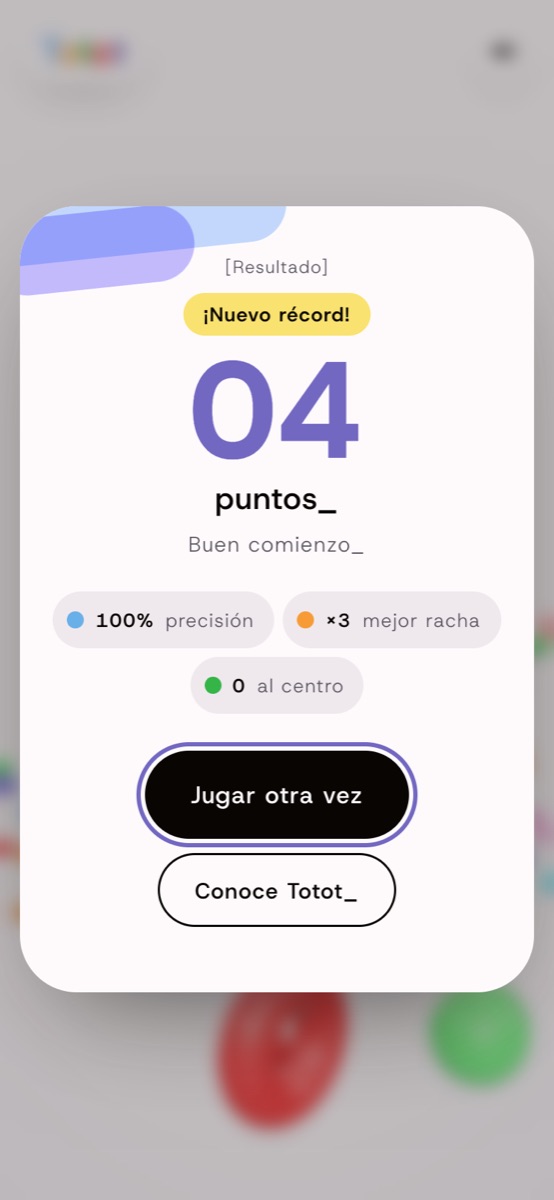
- ResultsScore, accuracy, best streak, center shots and a high score saved in your browser.
[On the phone]
Works with
the front camera too_
In portrait mode the scene pulls back so the O fits, and the pieces appear at the bottom, away from your face. Without a camera, you play with your finger.
[Under the hood]
What we did_
Computer vision, real-time 3D and sound, all inside a web page.
Hands in the browser
MediaPipe Hand Landmarker runs on the device's graphics card, with a CPU fallback when there's no GPU. It detects up to two hands at once.
Private by design
The video is processed on your device and is never recorded or sent to any server.
The brand in 3D
The pieces are Totot's submarks (pills, molecules and the O with a dot), and the goal is the logo's O-eye, which watches you with its pupils.
A throw that feels fair
Aim comes from the intent of your gesture and compensates for the O's movement, so a good throw always goes in.
Sound made in code
Grabbing, throwing, scoring and the countdown play on a pentatonic scale generated with Web Audio, with no sound files.
Event-ready
The same mechanic works for a brand activation, a booth or an in-store screen: just swap the pieces, the goal and the colors.
[Live]
Hands up
and pinch_
Works on computers and phones with a camera. If you'd rather not turn it on, play with your mouse or finger.
Play Pellizca ↗[Want an experience people play with their bodies?]
Let's talk_